Compress JPG photos fast.
Make large photos smaller for websites, sharing and storage.
JPG works best for photos. Use WebP when you want smaller website images.
JPG, PNG and WebP stay in their format. Other inputs become WebP.
Compression SettingsSame format when possible · 82% · Original size
Balanced: WebP, 82% quality, up to 1920px wide. Smaller file: WebP, 65%, up to 1280px. Keep format preserves JPG, PNG or WebP and dimensions; other formats become WebP. Quality: 88% (PNG stays lossless).
Advanced options
These settings will apply when you choose images.
How JPG Compressor works
Files are validated, decoded, resized when requested, and encoded by your browser. The application does not send image files to a server, and animated inputs are rejected instead of silently losing frames.
Compress JPEG photos for sharing and websites
JPG and JPEG are the same format. This compressor keeps JPEG output by default. Start around 82% quality, compare faces, textures and small text, and lower the setting only as far as the result still looks good to you.
For a large camera photo displayed at a smaller size, reducing the width can save more space than changing quality alone. Keep the aspect ratio checked to avoid stretching. If a site asks for JPG, keep JPG output; use WebP when your destination supports it.
How to get a useful result
- Choose JPG or JPEG photos, individually or as a batch.
- Adjust quality or maximum dimensions, then apply settings.
- Check the before-and-after preview and download your JPEG files.
- Supported input
- JPG
- Output
- WebP, PNG, or JPG, with an option to keep a supported source format.
- Per-file limit
- Up to 20 MB per image on compression pages.
- Batch limit
- Up to 50 images and 250 MB of source data per batch.
Related image tools
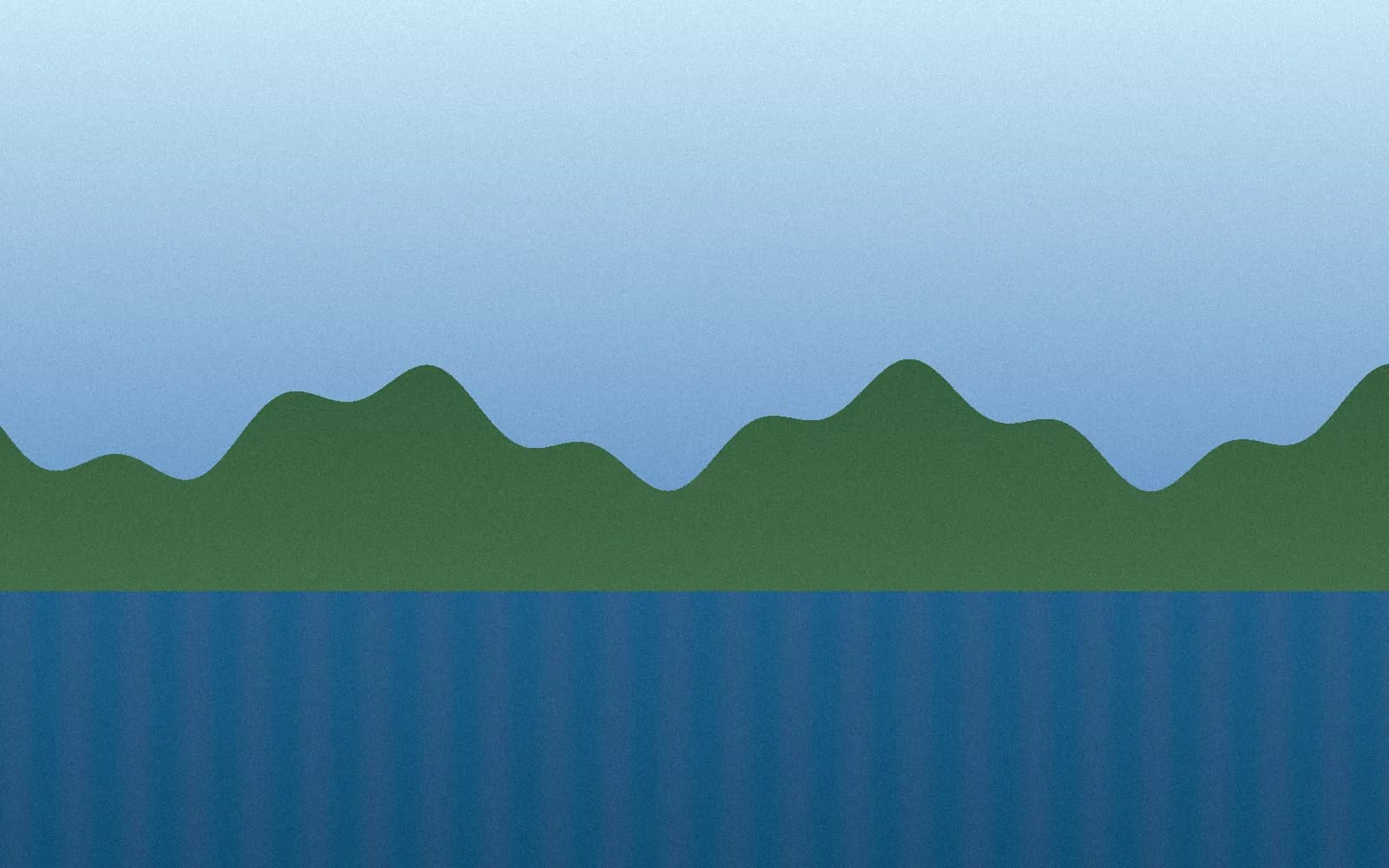
A compression result you can check
663 KB JPG → 220 KB WebP · 67% smaller
This synthetic sample was compressed with this tool in Chrome at 82% quality, keeping its 1600 × 1000 dimensions. Savings vary by image and browser; this is one example, not a guaranteed reduction.
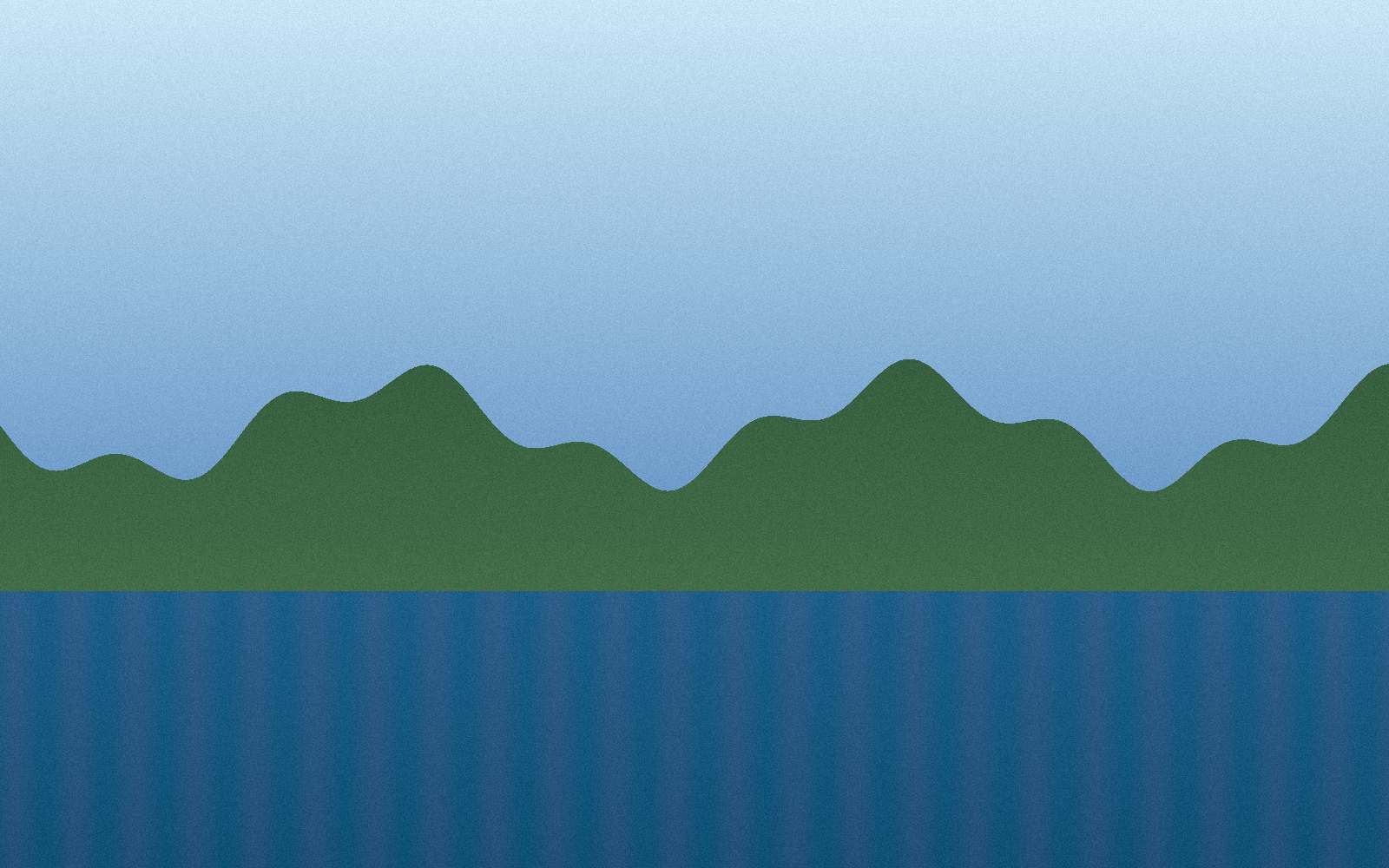
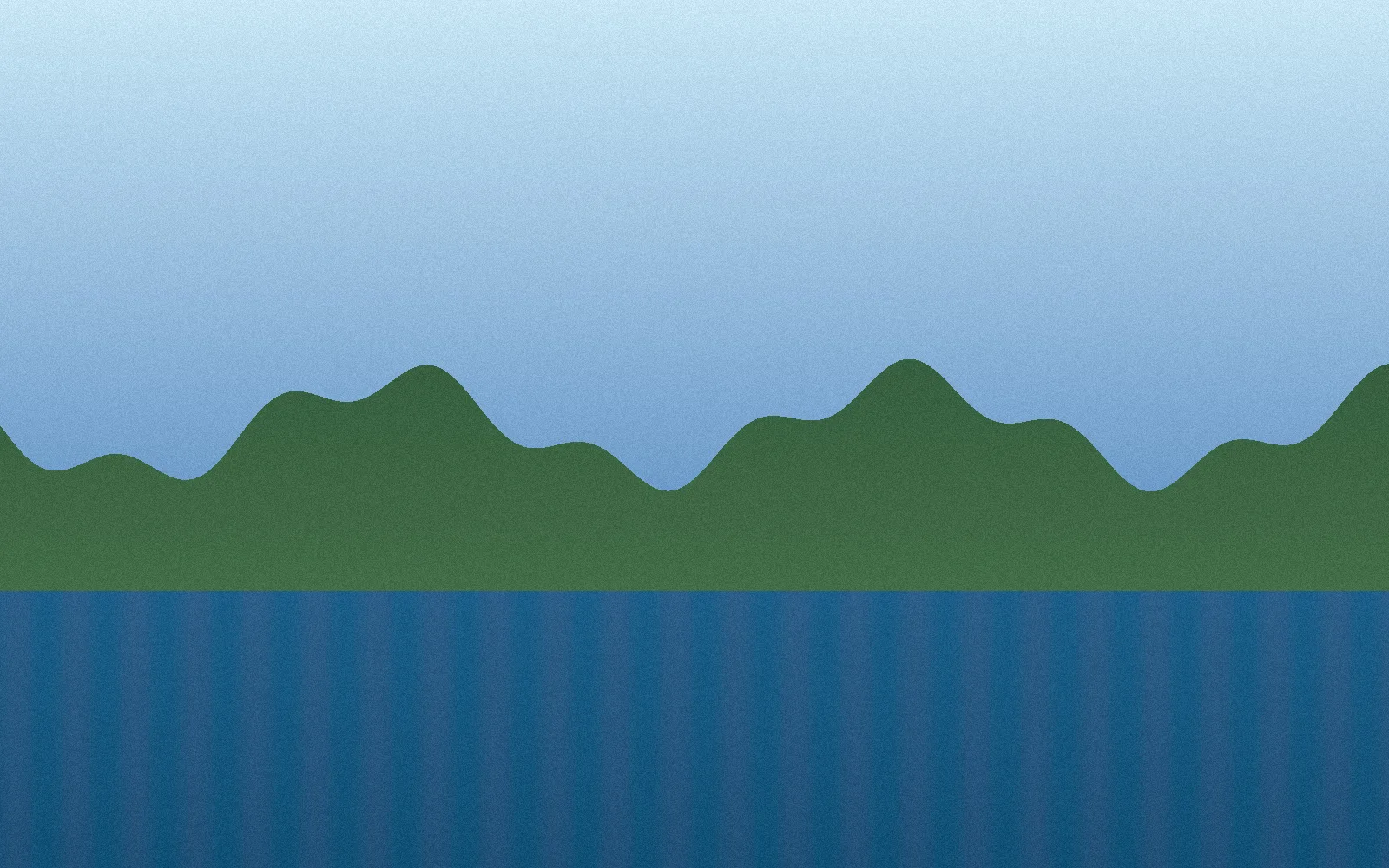
Measured September 27, 2026. Original: 679,014 bytes. WebP: 225,226 bytes. Download the original to try your own settings.
Frequently asked questions
Is JPG compression lossy?
JPG and WebP quality settings are lossy. Lower quality values usually make smaller files, but very low values can introduce visible artifacts.
Should I convert JPG to WebP?
For websites, WebP is usually a strong choice because it often produces smaller images than JPG at similar visual quality.
Are JPG images uploaded?
No. Your images are processed locally in your browser. They are not uploaded to a server.