Free image compressor
Smaller JPG, PNG and WebP images. Free, private, and no account needed.
WebP export at 82% quality. You can adjust settings below.
Compression SettingsWebP · 82% · Original size
Balanced: WebP, 82% quality, up to 1920px wide. Smaller file: WebP, 65%, up to 1280px. Keep format preserves JPG, PNG or WebP and dimensions; other formats become WebP. Quality: 88% (PNG stays lossless).
Advanced options
These settings will apply when you choose images.
All the tools you need
Smaller files, three simple steps
How Image Compress Tools works
Image Compress Tools is a free, browser-based image compressor and WebP converter. It requires no account, and image processing happens on the device running the browser.
- Choose your format and images.
- Compare sizes and adjust quality.
- Download one image or a ZIP.
| Format | Useful for | Keep in mind |
|---|---|---|
| JPG | Photos and services that require JPEG | Lossy; no transparency |
| PNG | Sharp graphics and transparent images | Lossless export; quality slider does not apply |
| WebP | Smaller images for websites | Lossy export with transparency; check destination support |
- Processing
- Image files are decoded, resized, and encoded locally in your browser. The application does not upload them to a server.
- Supported inputs
- JPG/JPEG, PNG, WebP, AVIF, static GIF, and standard BMP. Animated images are rejected instead of being flattened.
- Available outputs
- WebP, PNG, and JPG, with quality and resize controls. PNG and WebP can preserve transparent pixels.
- Batch limits
- Up to 50 images and 250 MB of source data per batch. Per-file limits are shown in each uploader.
Learn more about supported files and compression on the how it works page, or review the privacy information.
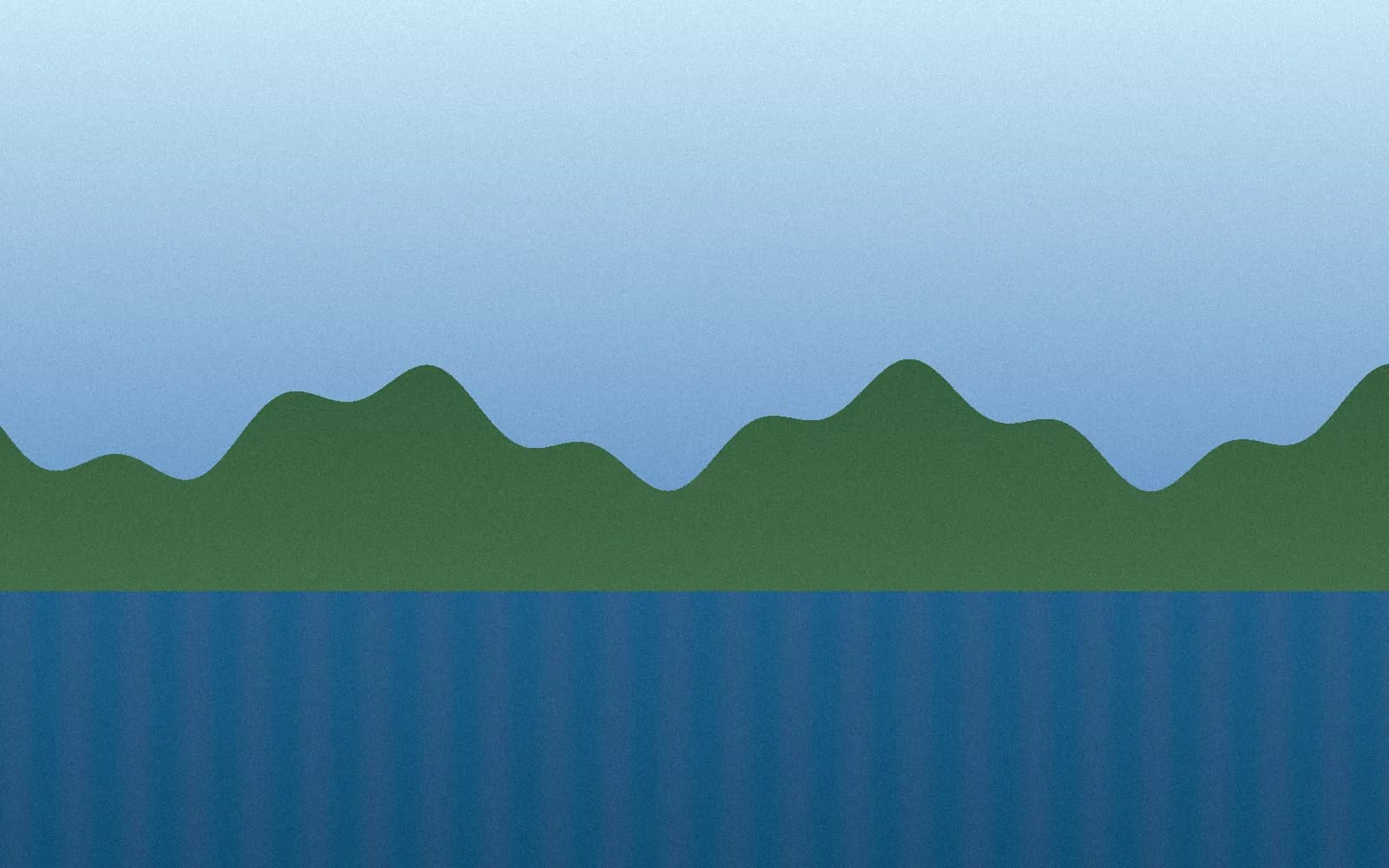
A compression result you can check
663 KB JPG → 220 KB WebP · 67% smaller
This synthetic sample was compressed with this tool in Chrome at 82% quality, keeping its 1600 × 1000 dimensions. Savings vary by image and browser; this is one example, not a guaranteed reduction.
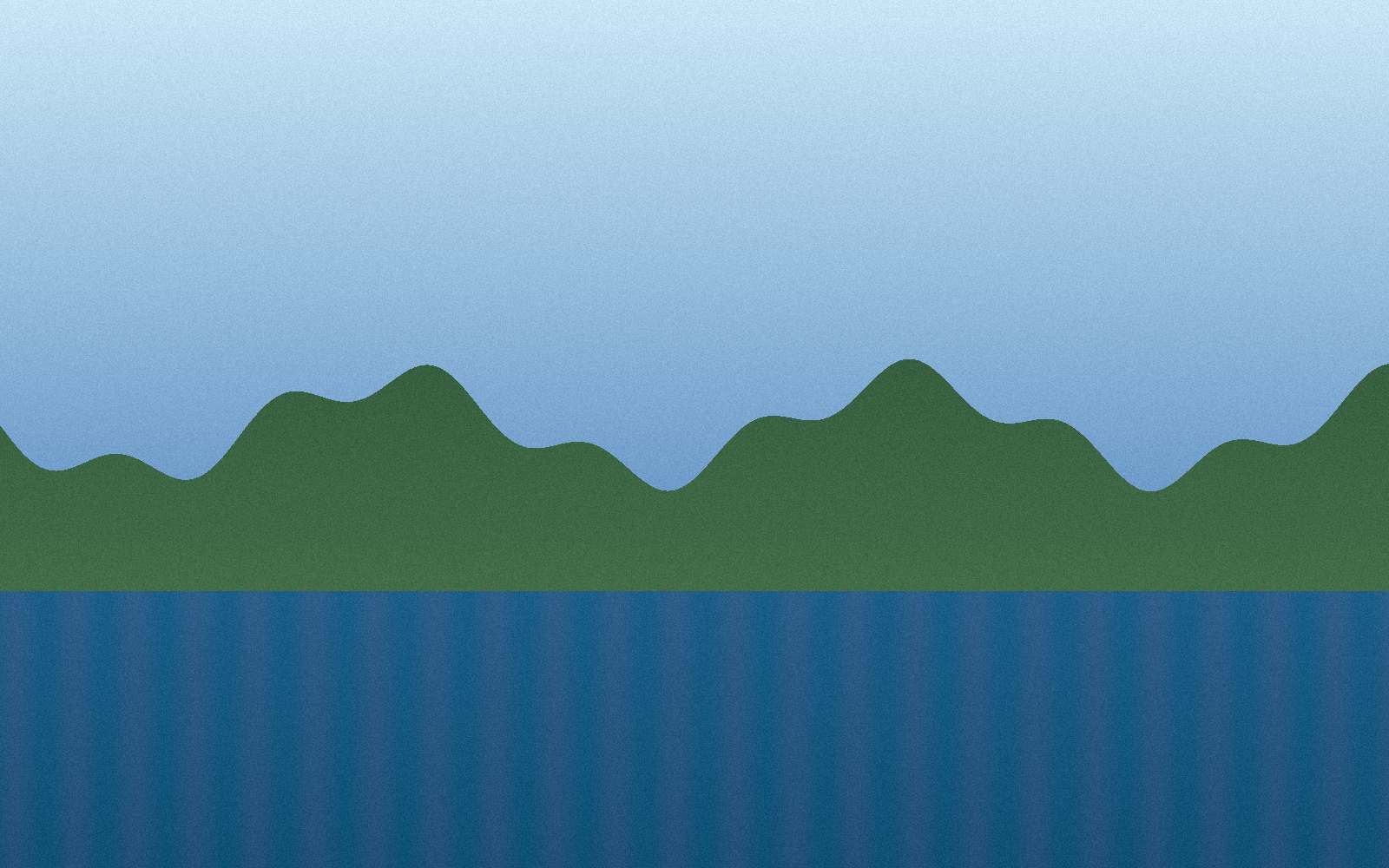
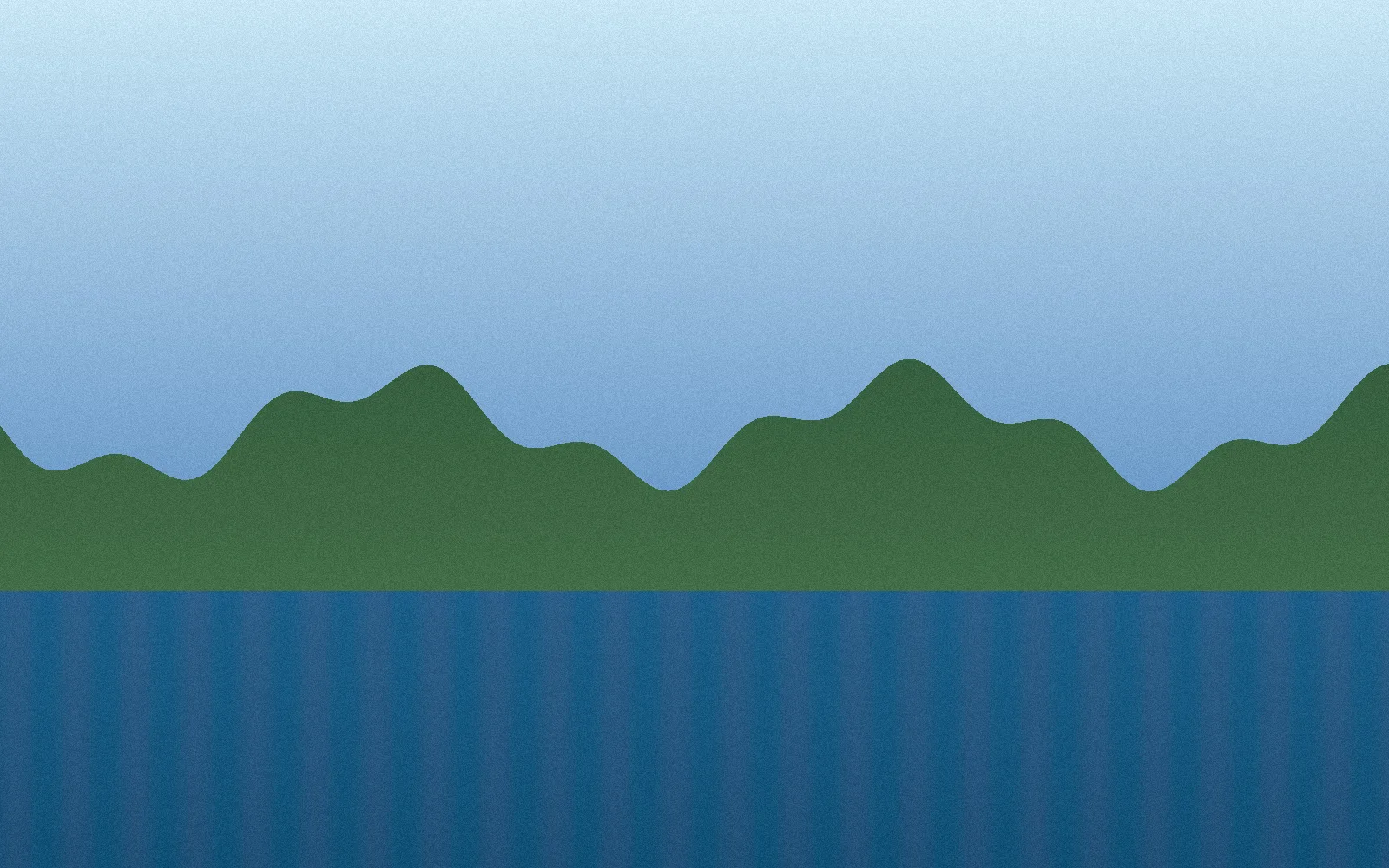
Measured September 27, 2026. Original: 679,014 bytes. WebP: 225,226 bytes. Download the original to try your own settings.
Frequently asked questions
How do I reduce an image file size?
Choose your output format, add your images, and download the results. For a smaller file, open Compression Settings to lower quality or resize the image, then apply your settings. Compare the original and result before downloading.
Can I compress images without changing their format?
Yes. Select Keep original format before adding JPG, PNG or WebP images. Other supported inputs are exported as WebP. JPG and WebP compression can change image quality; PNG export is lossless unless you resize it.
Why is my compressed image not smaller?
Some images are already optimized. When the output format and dimensions stay the same, we keep your original if the new file would be larger. Try a smaller width or WebP export for further savings. There is no guaranteed reduction for every image.
Is Image Compress Tools free?
Yes. Compress and download your images for free, without creating an account or subscribing.
What file types can I compress?
You can choose JPG/JPEG, PNG, WebP, AVIF, static GIF, and standard BMP images. Animated files are rejected instead of silently losing frames. Exports are WebP, PNG, or JPG.
Do files leave my computer?
No. Your images are processed locally in your browser. They are not uploaded to a server.