Convert JPG to
WebP.
Convert JPG photos to WebP for smaller and faster website images.
WebP often gives smaller files than JPG at similar visual quality.
Faster pages
Improves load times for your website.
Smaller files
Compare the savings for your images.
Local processing
Everything happens on your device.
Better for web
Modern, efficient, and widely supported.
Quality presets (optional)
Start here, then fine-tune later.
When should I use WebP?
- When you want smaller file sizes
- When optimizing images for websites
- When your audience uses modern browsers
- For faster load times and better SEO
How JPG to WebP works
Files are validated, decoded, resized when requested, and encoded by your browser. The application does not send image files to a server, and animated inputs are rejected instead of silently losing frames.
Convert JPEG photos into WebP for the web
Converting JPG to WebP can reduce the weight of photographs used on a website. The amount saved depends on the source, quality and dimensions. The converter starts at 82% quality without resizing, so you can compare formats at the same image size.
Check textured areas, skin and gradients before publishing. Converting an already compressed JPG cannot recover lost details. Use a maximum width if the original is much larger than its display size, and keep JPG when another service specifically requires it.
How to get a useful result
- Add JPG or JPEG photos; the converter exports WebP.
- Compare quality and file size, then adjust settings if needed.
- Download a single WebP or a ZIP containing the completed batch.
- Supported input
- JPG
- Output
- WebP, with quality and resize controls.
- Per-file limit
- Up to 50 MB per image on conversion pages.
- Batch limit
- Up to 50 images and 250 MB of source data per batch.
Related image tools
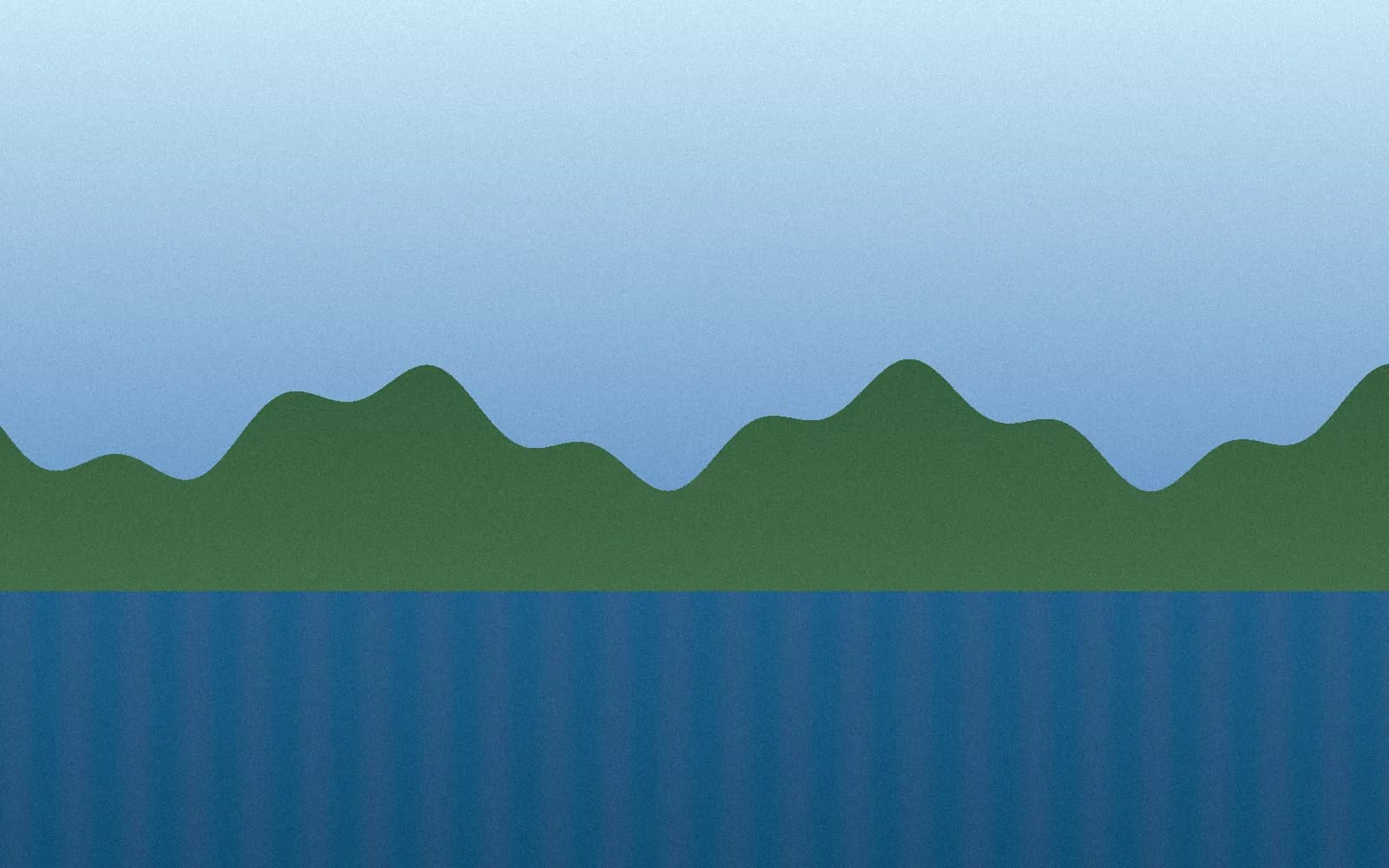
A compression result you can check
663 KB JPG → 220 KB WebP · 67% smaller
This synthetic sample was compressed with this tool in Chrome at 82% quality, keeping its 1600 × 1000 dimensions. Savings vary by image and browser; this is one example, not a guaranteed reduction.
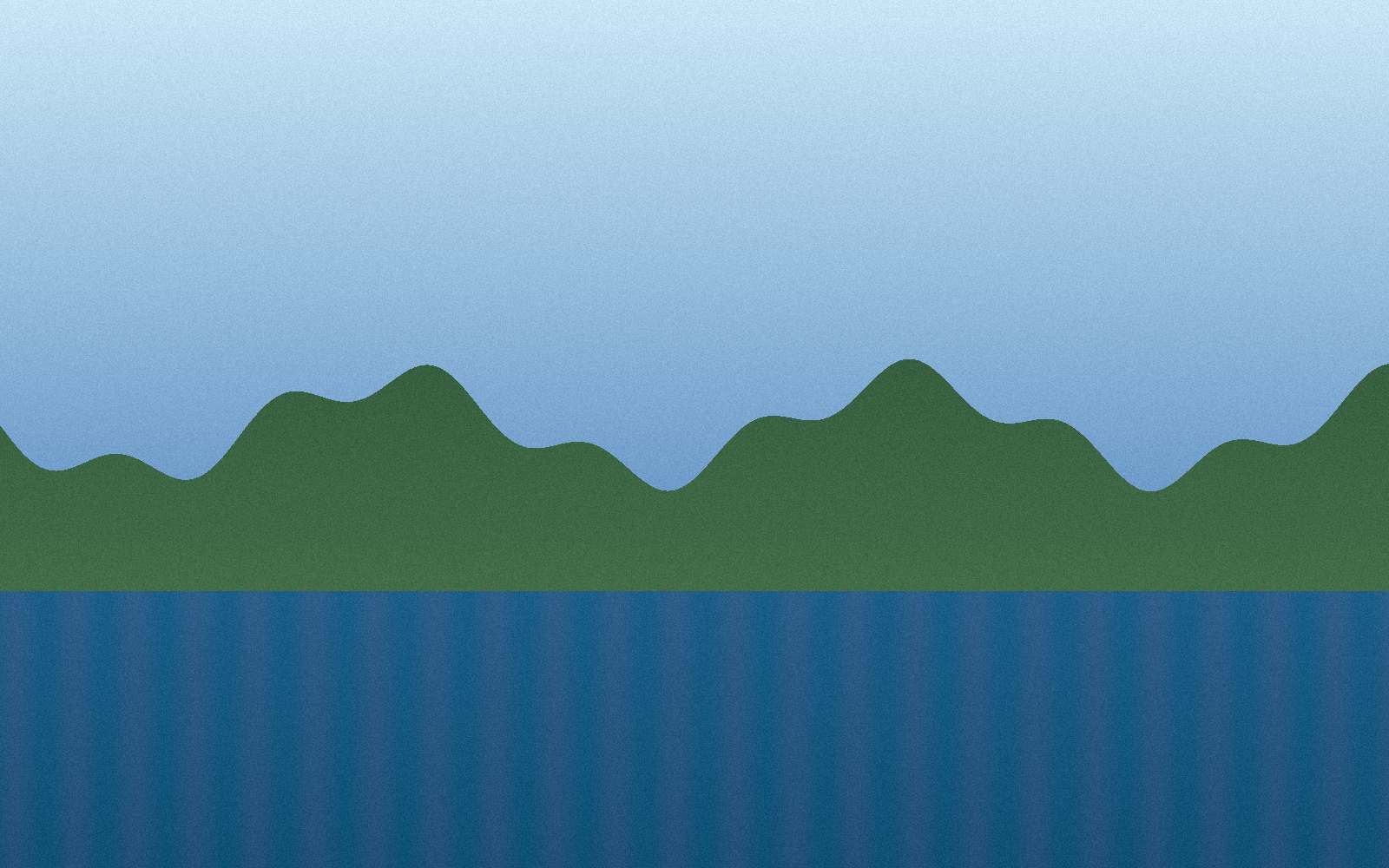
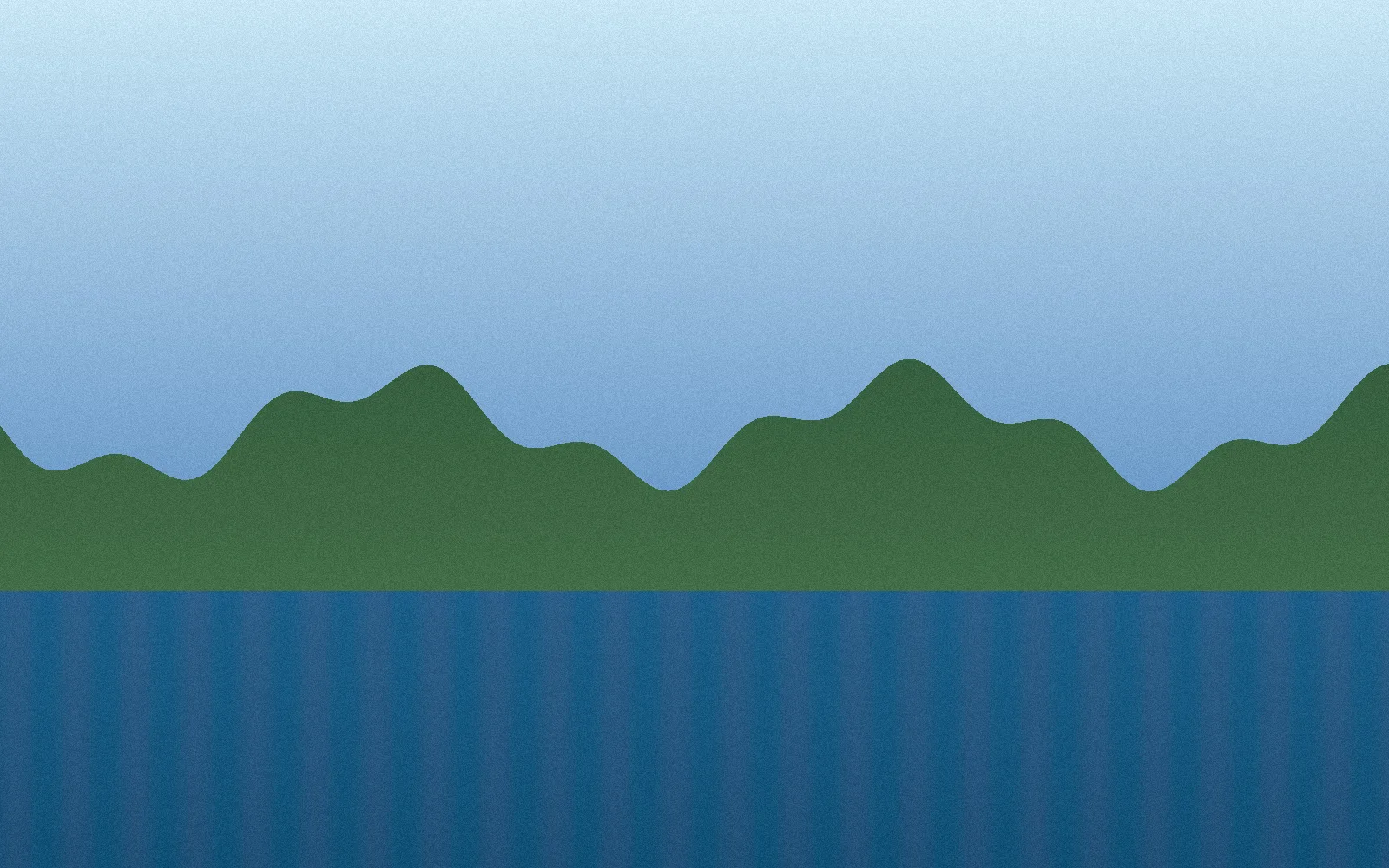
Measured September 27, 2026. Original: 679,014 bytes. WebP: 225,226 bytes. Download the original to try your own settings.
Frequently asked questions
Is WebP better than JPG for websites?
WebP often creates smaller files than JPG at similar visual quality, which can help pages load faster.
Can I control WebP quality?
Yes. Use the quality slider to balance file size and visual quality before downloading the converted images.
Are JPG files uploaded?
No. Your images are processed locally in your browser. They are not uploaded to a server.